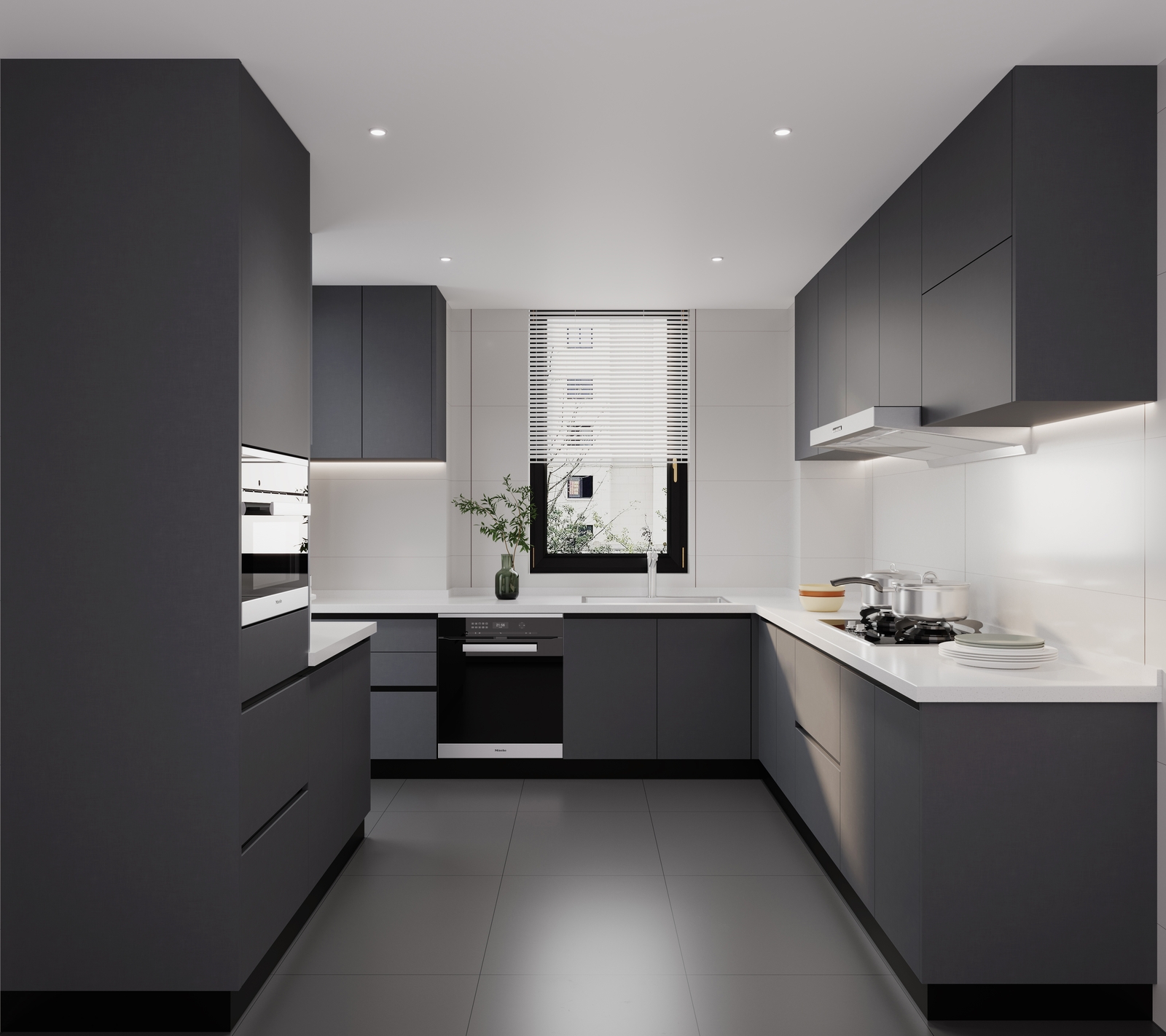
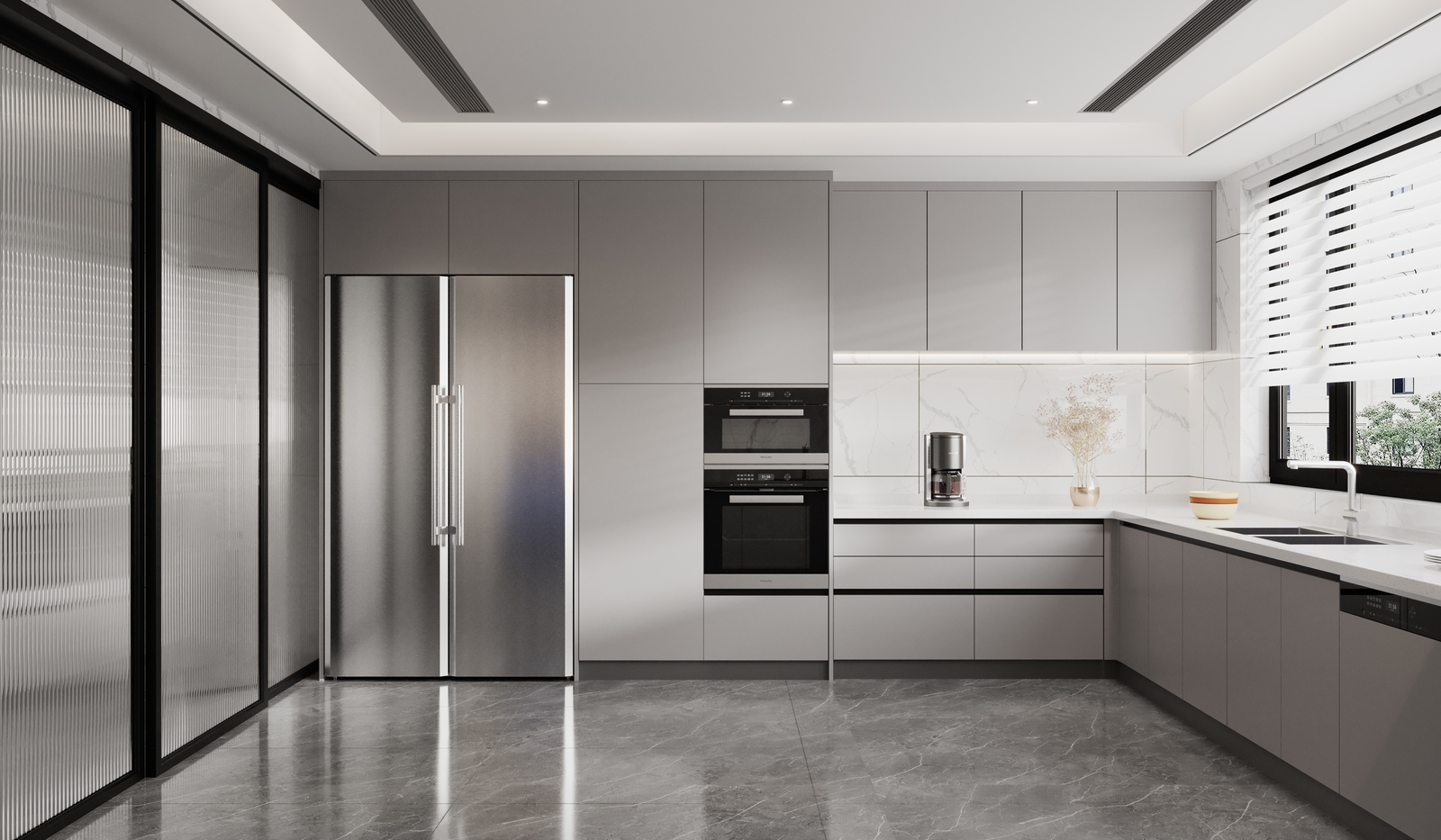
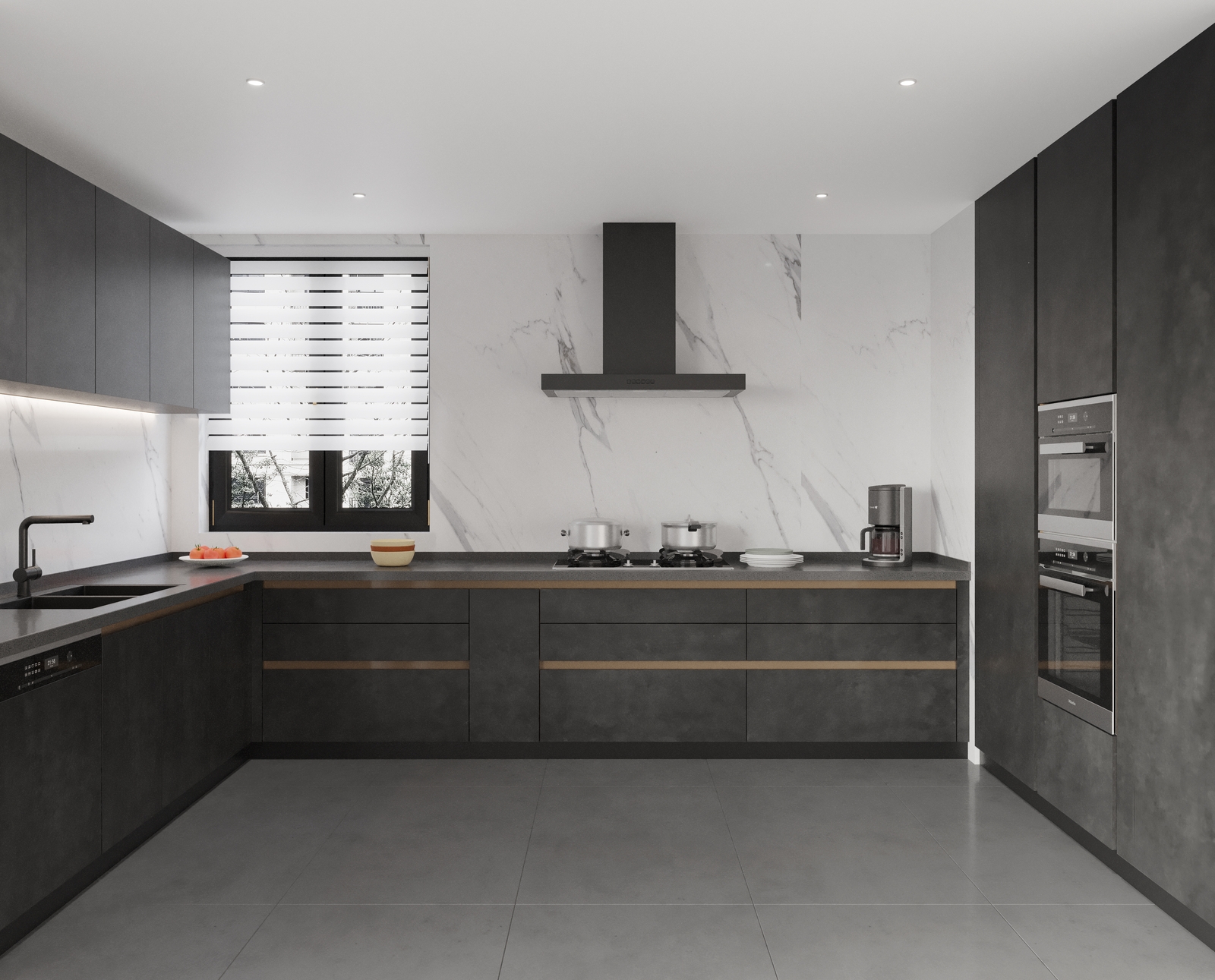
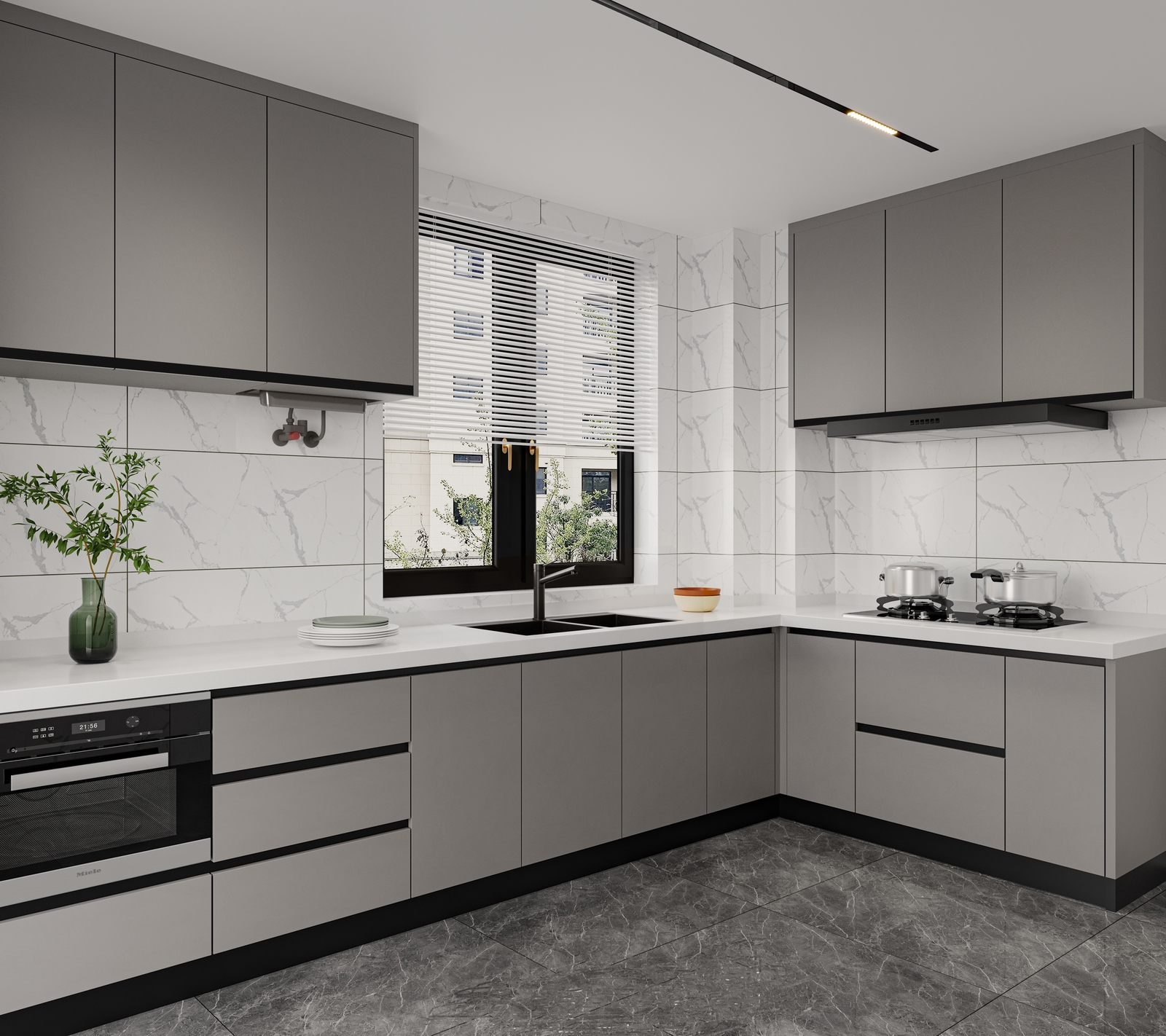
Product short description là mô tả ngắn (excerpt) của sản phẩm WooCommerce, hiển thị ở trang chi tiết sản phẩm (thường ở đầu, dưới tên sản phẩm và giá). Nó ngắn gọn, dùng để giới thiệu nhanh (50–160 ký tự), hỗ trợ SEO và hiển thị trong grid/list sản phẩm.
Tại sao bạn chỉ thấy phần này?
- Trong giao diện chỉnh sửa sản phẩm mặc định (không dùng Bricks), WooCommerce hiển thị:
- Product short description (trên cùng, Rich Text nhỏ).
- Product description (mô tả dài) nằm ở tab Description (dưới cùng, Rich Text lớn).
- Nếu bạn không thấy tab Description hoặc phần mô tả dài:
- Cuộn xuống cuối trang chỉnh sửa sản phẩm.
- Tìm tab Description (bên dưới Product short description).
- Nếu vẫn không thấy: Có thể do plugin Classic Editor hoặc theme chặn tab → kiểm tra bằng cách tắt tạm plugin Classic Editor (nếu có).
Cách hiển thị đầy đủ mô tả dài (như mẫu template):
- Trong trang chỉnh sửa sản phẩm:
- Viết mô tả ngắn vào Product short description.
- Viết mô tả chi tiết (đặc điểm, lợi ích, chất liệu…) vào tab Description (Rich Text lớn).
- Update sản phẩm.
- Trong template Bricks (Single Product):
- Chọn Rich Text hiển thị mô tả.
- Tab Content → Dynamic data → Chọn Product description (mô tả dài) hoặc Product short description (mô tả ngắn).
- Save → Preview trang sản phẩm → mô tả dài sẽ hiển thị như mẫu.
Kết quả mong đợi:
- Trang sản phẩm có cả short description (ngắn, đầu trang) và description (dài, phần dưới).
- Giống template mẫu, chỉ khác nội dung của bạn.
Bạn thử cuộn xuống tab Description và viết nội dung dài vào đó rồi Update sản phẩm → Preview trang sản phẩm xem mô tả dài có hiện chưa nhé. Nếu vẫn chỉ thấy short description, báo mình để kiểm tra tab hoặc template dynamic tag.

kingkitchen –
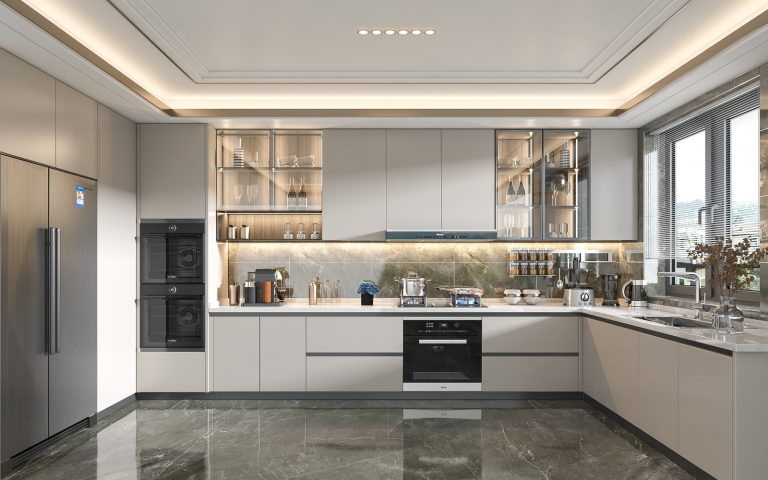
Tủ bếp đẹp, phụ kiện đầy đủ
kingkitchen –
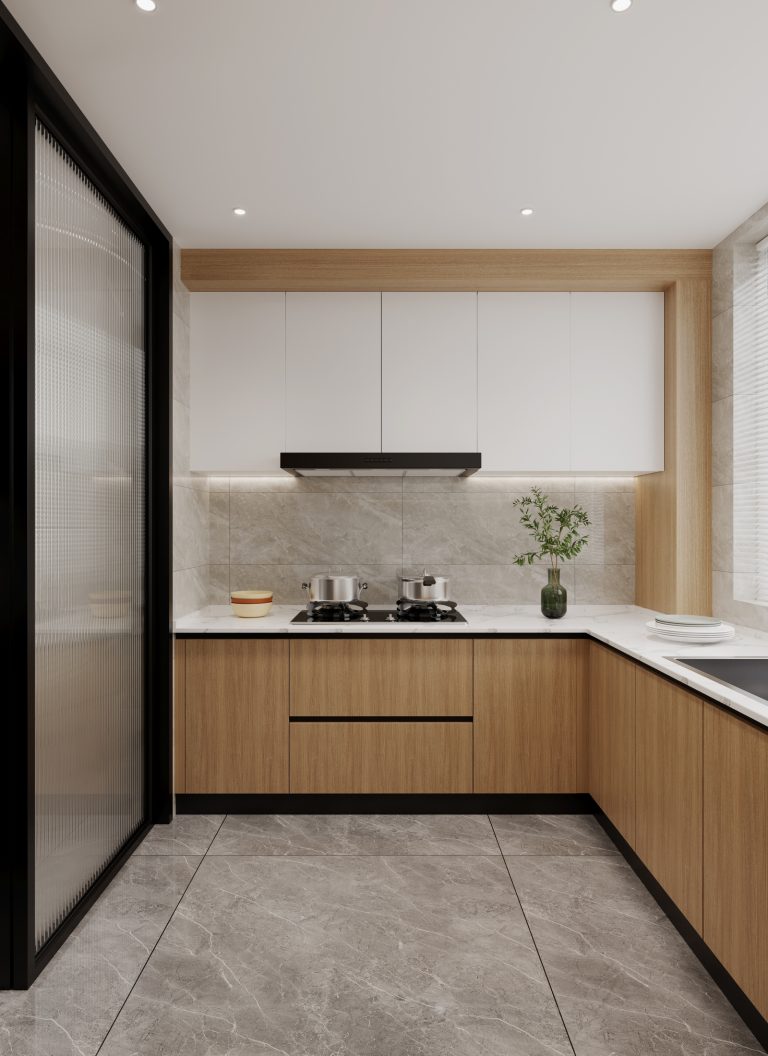
Quá đẹp